Digital Storytelling Tools by Özge Karaoglu
Jun
1
Written by:
6/1/2011 4:34 AM
With
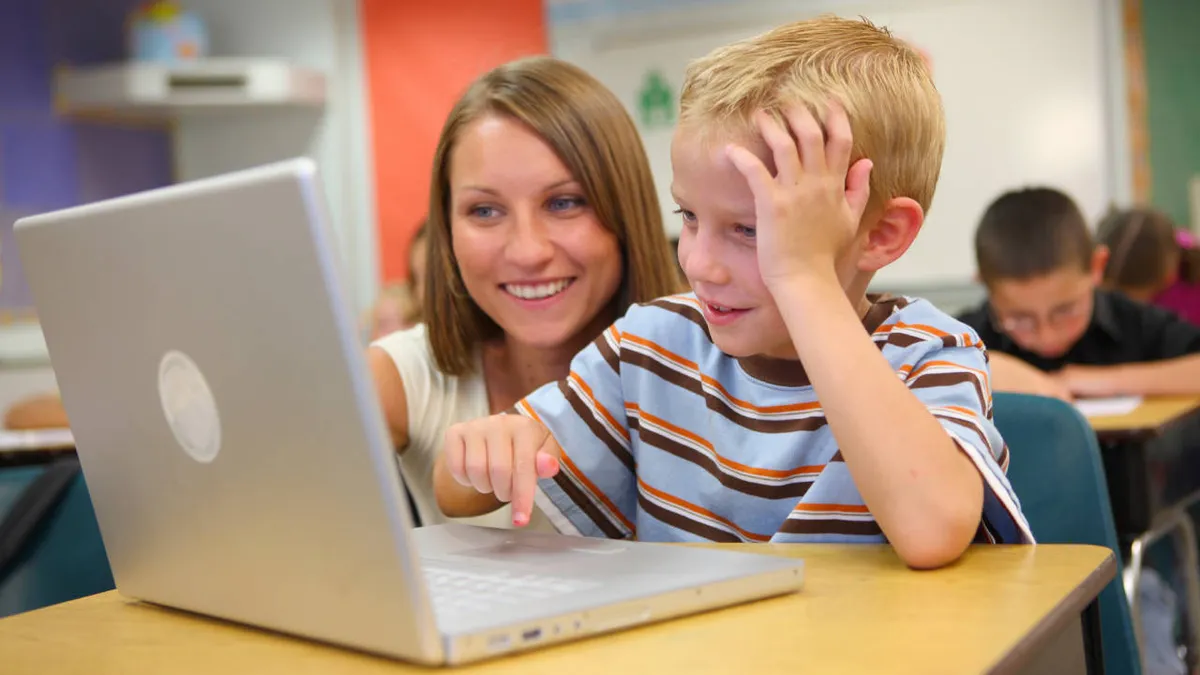
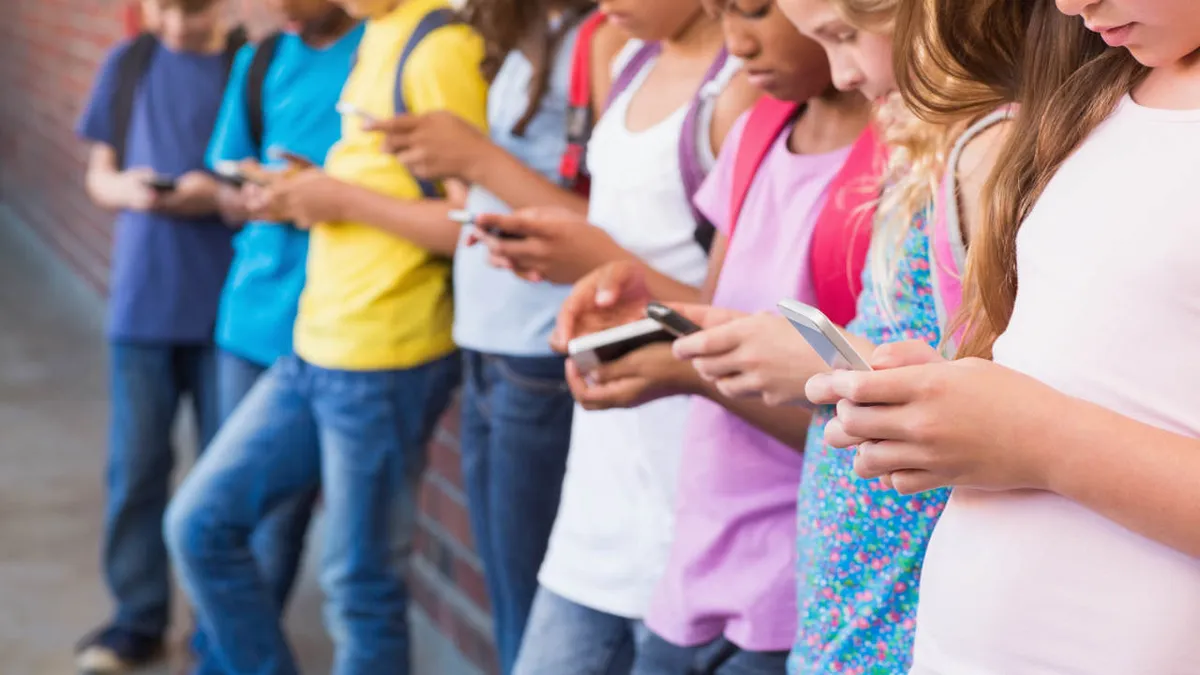
the coming of the 21st century, technology has added a new twist to our
traditional storytelling. Beyond the scope of pen and pencil, we can
now easily tell and share our stories digitally with mobile phones, flip
cameras, recording our voice or using free web tools. There is no doubt
that today’s students are more motivated and interested in using
digital storytelling just like any other multimedia. It offers us,
educators, a new and a very 21st century way to captivate students’
attention, facilitate learning, reach shy students and increase
collaboration and community in a classroom. It’s a great way to give
voice to ourselves and our students in an out of the classroom walls.
Audio Tools:
LittleBirdTales is a tool that lets you capture your
voice; create an online book using artwork, pictures
and words. You can scan your pictures, upload them
from your computer or you can draw your pictures on
LittleBirdTales’ art pad. When you finish uploading your pictures, you write your

text and record your voice for each one. When you finish, you can share it with

others via email or get an embed code to place it on your blog/website. This tool is
ad-free, user friendly and a great tool to create digital stories with young
learners. It will certainly foster the creativity of our students.
LittleBirdTales is
a tool that lets you capture your voice; create an online book using
artwork, pictures and words. You can scan your pictures, upload
them from your computer or you can draw your pictures
on LittleBirdTales’ art pad. When you finish uploading your pictures,
you write your text and record your voice for each one. When you
finish, you can share it with others via email or get an embed code to
place it on your blog/website. This tool is ad-free, user friendly and a
great tool to create digital stories with young learners. It will
certainly foster the creativity of our students.Children can illustrate
their favourite stories and share them with others.
Vocaroo is
a tool that lets you record your voice immediately and get a link for
it. You don’t need to download any software or get an account for this
tool. It’s the easiest tool for recording voice. Children can
tell/retell a story by recording their voices and sharing it
with others.
Voxopop is
a web-based audio tool. You can consider this tool as a message board
that uses voice instead of text. You create a talk group and share it
with others and let them record their voices on the same
timeline. Children can create a chain story by recording their voices
on the same timeline.
Voicethread is
a site to create collaborative and multimedia slides that you can
navigate and leave comments for. Each slide can hold images, videos or
documents such as PDF, Microsoft PowerPoint, Excel and Word documents
that can be commented by the people you choose to share your
Voicethread. Children can create a collaborative story by adding their
own pictures or drawings and recording their voices.
Voki is
a tool to create speaking avatars with your own voice. You choose your
avatar; you customize it by changing the hair, clothing, bling and the
colour of the hair, eyes and skin. When you finish, you give your avatar
a voice by recording your voice by phone or using a microphone. You can
also upload an audio file or you can use text-to-speech feature to
convert your text into speech choosing the gender and the accent. When
you finish, you can get a link or the embed code to publish it on your
blog or your website. Children can tell their stories by recording their
voices or they can retell a traditional story with a different ending.
BubbleJoy is
a tool to create and customize video greeting sites. You don’t need to
download anything or get an account. All you need is a camera. You
choose your message card and record yourself using your web cam and send
it others via mail.Children can record themselves while
telling/retelling a story that goes with the frame that they are using.
Fotobabble is
a tool to record your voice for pictures. You upload your picture,
record your voice using your microphone and publish it online. You can
get a link or an embed code to place it on your blog/website. Children
can record their voices telling a short story or a poem about a picture
or they can listen a fotobabble story and talk/write about their
favourite part.
Jing is
a tool to take a picture or make a video of what you see on your
computer screen and share it online instantly via mail, web or by saving
it on your desktop. Children can record their voices for the
presentations that they have prepared or they can get a picture, talk
about it and create a story for this picture.
Picture Tools
Bookr is
a tool to create and share your photo book using Flickr pictures. You
can write tags to find the pictures from Flickr photos or you can search
your name on Flickr to find your own photos. When you find them, you
drag and drop the picture on the book, write your text for that picture
and share it with others via mail or you can place your online book on
your blog or website. Teachers
can create a Bookr and ask the children to add text on it. Children can
answer questions, complete the sentences or answer true/false questions
according to the Bookr they have seen.
Zooburst is
a tool to create 3D popup book. When you start building your book, you
can choose any angle and rotate the book. You can make the
items click-able and let the readers read more about them. You can place
speech bubbles on the characters that pop up when it is clicked and
make them talk with each other. Children can retell a story, book
reports or biographies.
Animoto is
a tool to create videos from your images and videos. It produces a
video from your pictures, video clips and music automatically using
transitions and text. When you finish, Animoto does the rest by putting
all the information together and creates your video in minutes. Children
take their own pictures and create their own story or they can watch an
Animoto video and write a story about it.
Mixbook is
a collaborative tool to create customizable photo books, cards and
calendars online.You choose your theme and start adding your pictures.
You can move and change the pictures move, rotate, crop, zoom into
your photos. There are different fonts and styles to add your text to
it. You can also choose your templates, backgrounds, stickers and you
can add pages to your Mixbook. Children can create a newsletter or a
newspaper or they can publish their drawings and create a story using
them.
ScrapBlog is
a great way to share photos and videos on a creative outlet and create
your own digital stories. You choose from colourful and cute
backgrounds, add speech bubbles and frames. You can delete or edit
anything you want on your scrapblog. You can add your pictures, text or
videos and you can create as many pages as you like. Children can illustrate a story that they have written or they can create a scrapblog for their favourite books.
PhotoPeach is
a tool that lets you make slideshows using your pictures, adding
captions and music. When you finish your slideshow, you can add a quiz
to it. You can also leave comments to the slideshow. Children can
create their slideshows telling a story and add a quiz at the end for
their friends to answer.
Animation Tools
ZimmerTwins is
a tool to make great and fun animated stories. You can start making
your animation from scratch or you can create your own, using one of the
story starters. You choose the characters, settings, transitions,
actions and emotions by using drag-and-drop feature. Then, you only
write the text in bubbles. Teachers can create the animation and
children write the dialogues. When they finish, they can act it out in
the class while they are watching the video or children can write an
ending or a beginning of the story after they watch.
DVolver is
a tool to create your mini animations by pointing and clicking. You can
choose the setting, characters, music at the background and how
the chosen characters interact in your animation. You write what you
want your characters to say and it shows up in bubbles in your
animation. Children can watch a video and write an ending for it or
they can summarize a story.
GoAnimate
is a tool to create your animations. You choose your theme and
characters or you can even create your own animated characters by
changing the size and the color of their body parts and
clothes. Characters can do different actions such as walking, dancing,
and talking. You can use text to speech application to make your
characters talk or simply record your own voice using your microphone.
Children can redesign a scene from the story or they can create their
own animations using the new language that they have learnt.
Xtranormal is
a text-to-movie tool that lets you create your movie using your own
words and text-to-speech application. You choose your characters,
settings, background, voice and music. You then write your text into the
appropriate boxes and create your dialogue. You can also play with the
camera angles and sounds in the scripts. Children can create their own
films on different topics and share them with others or children can
create their animated book reports.
DomoAnimate is
another tool to create animations. You can animate the characters,
change the background, movement, sound effects and emotions; you can
add speech bubbles, interactive elements and music to your animation as
well. You can resize things, delete, and move or change their
places. Children can create their animated books that talk or they can
write their own screenplays and turn them into animation.
This
blog or the author are not responsible for any inappropriate
images/text/ads of the external links. Please double check before you
use it with your students.
10 comment(s) so far...
Digital Storytelling Tools by Özge Karaoğlu
Here's a pretty good summary of tools for Read 180 kids. Zooburst is sort of cool-- you can make digital pop-up books. For animation, GoAnimate is very powerful, with lots of options. Xtranormal is unbelievable, but they have this whole "earn points to make and publish your movie" deal that is unacceptable.
ZimmerTwins in VERY easy--limited, but simple.DVolver allows limited text and scenes, but includes music. DomoAninimate is by GoAnimate folks; not sure about differences, but it's good, too.
By Rob on
6/8/2011 4:11 AM
|
Digital Storytelling Tools by Özge Karaoğlu
Wow what a great set of resources thank you for sharing. I wish I would have known about all of these sites before I created my digital story for class. I can't wait to try some of these out with my 2nd grade students.
By Millersarahmae on
6/1/2011 7:02 AM
|
Digital Storytelling Tools by Özge Karaoğlu
Thank you for the information.I used it in my classroom your ideas and tools.
By mayra on
6/7/2011 11:44 AM
|
Digital Storytelling Tools by Özge Karaoğlu
Very much helpful topic sir,
i like that and i want to say that i am totally agree with you.
By Technology News Blog on
6/10/2011 6:39 AM
|
Digital Storytelling Tools by Özge Karaoğlu
Thank you for the thorough compilation of resources! I didn't realize there were so many digital resources out there, and you've helped to guide me to quite the selection!
By Sarah Stein on
6/2/2011 1:03 PM
|
Digital Storytelling Tools by Özge Karaoğlu
Thanks for the great set of Digital Storytelling tools! It's all about timing, and I'm preparing to lead a "Book Trailers" workshop for about twenty school librarians...;-)and mention it on my TechnicalLee Speaking blog. These would be great for kids during the summer months!!!
By Lee on
6/10/2011 1:47 AM
|
Digital Storytelling Tools by Özge Karaoğlu
The digital storytelling tool sounds awesome.It will be defintely a great tool for schools. Thanks for sharing the information with us.By the way I would like to mention Staatliche Berufsunfähigkeitsversicherung.To find out what Staatliche Berufsunfähigkeitsversicherung is, you can get in the internet a lot of useful information.
By annette on
6/18/2011 2:07 AM
|
Digital Storytelling Tools by Özge Karaoğlu
Great listing of digital tools. I am working on 2011-12 Multimedia curriculum so this article is really helpful.
By Lynette on
7/10/2011 7:47 AM
|
Digital Storytelling Tools by Özge Karaoğlu
digital storytelling sites
By denise on
6/24/2011 10:02 AM
|
Re: Digital Storytelling Tools by Özge Karaoglu
Microsoft Photostory, Storybird, and Prezi are some tools that I love to use and weren't listed. Maybe they will work well for you too!
By Suz on
1/1/2012 4:26 PM
|